3D
Solutions
3D configurator: your customer walks around their product
Real 3D in the browser, no app. Your customer walks around their design, looks from inside to outside, opens windows, doors and walls and sees it by day and by night. For patio covers, windows, doors, carports and any other made-to-measure product.
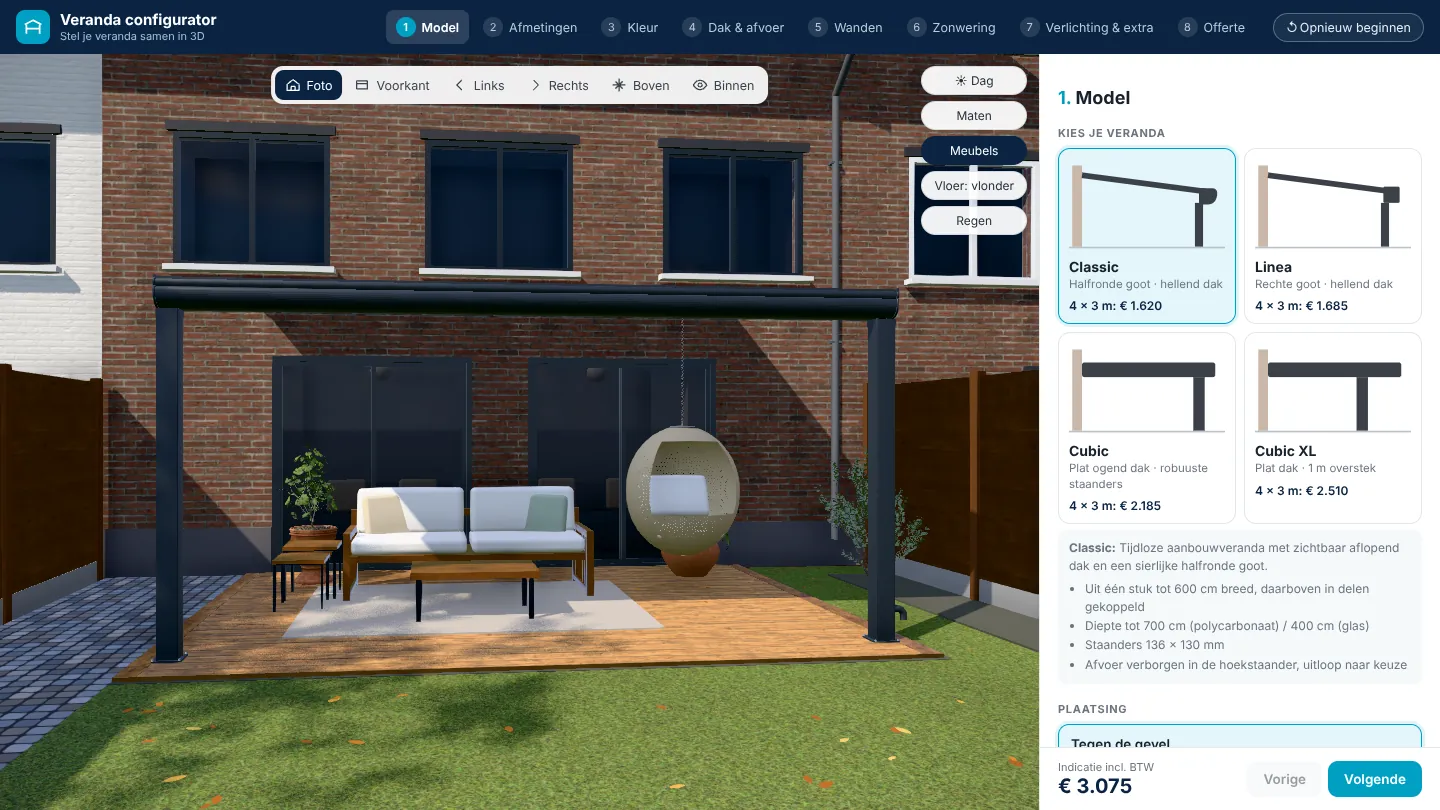
Example 1 · Patio covers
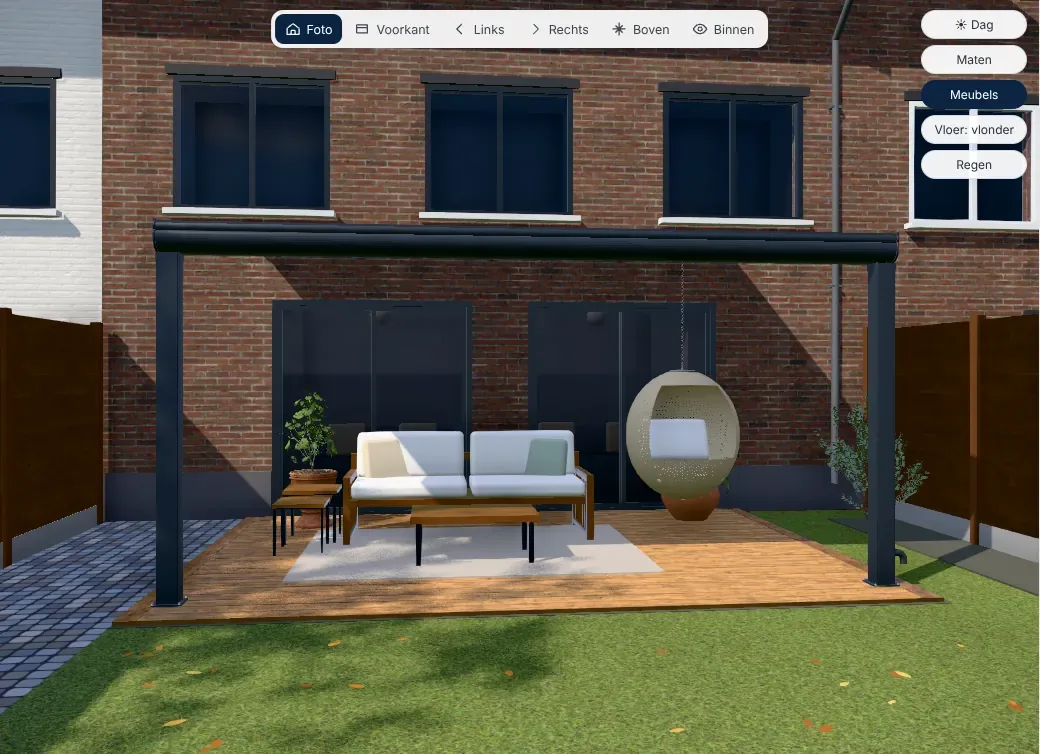
Patio covers: a cover you walk through.
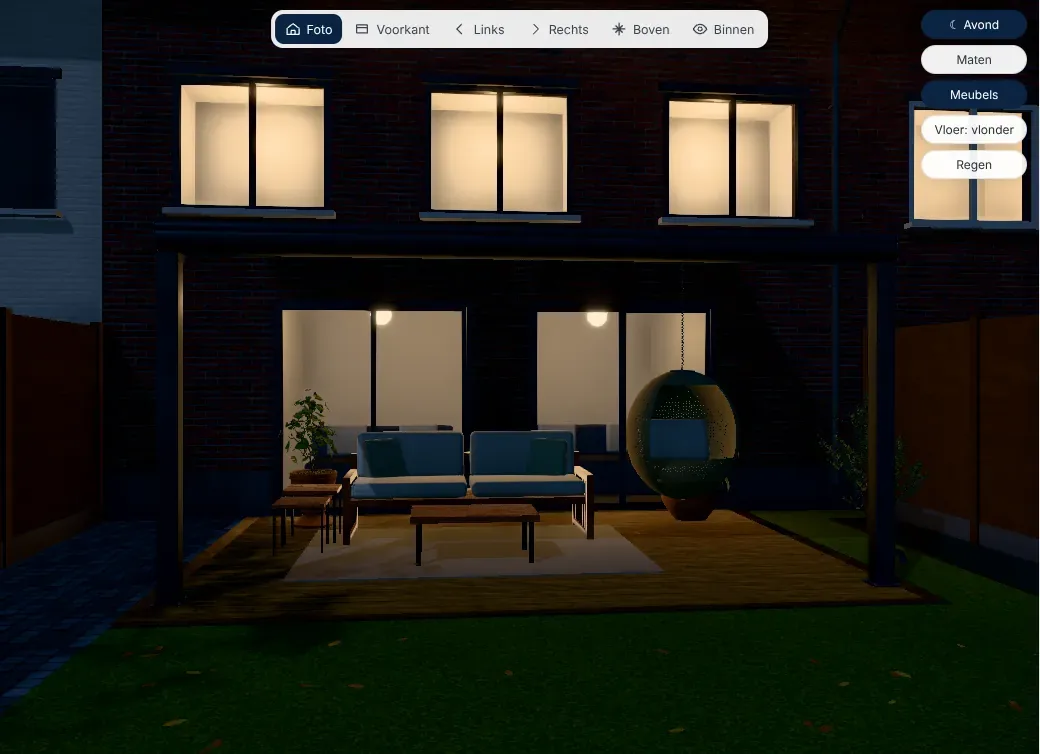
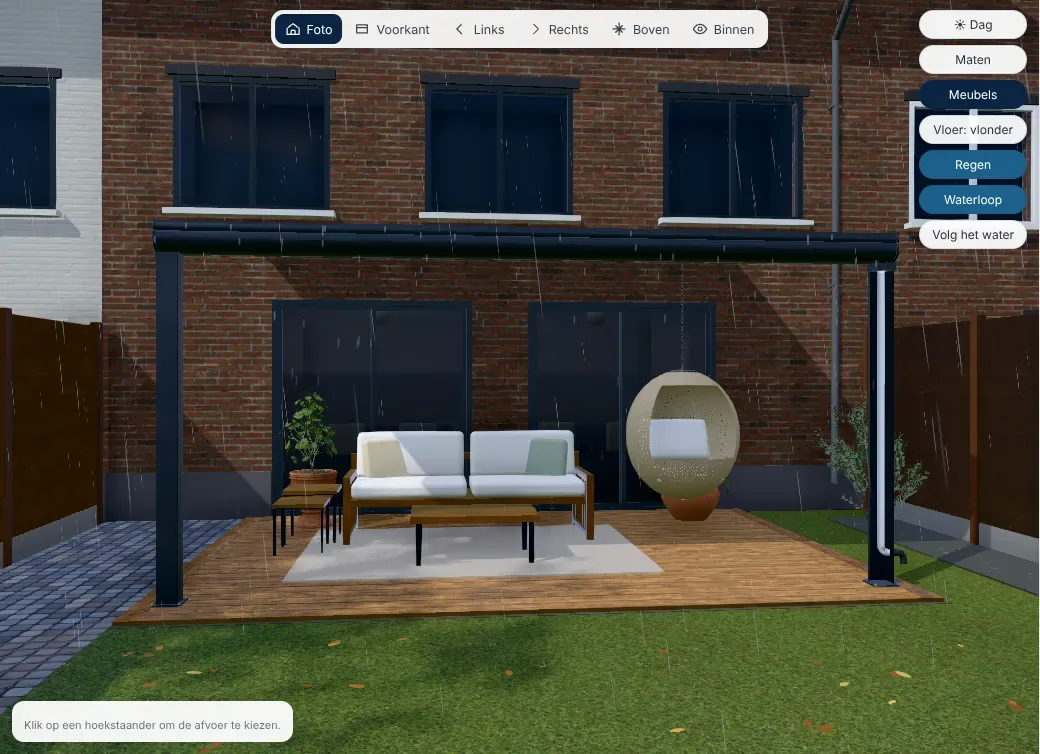
Your customer sees exactly what he is requesting, in any weather and from any angle.
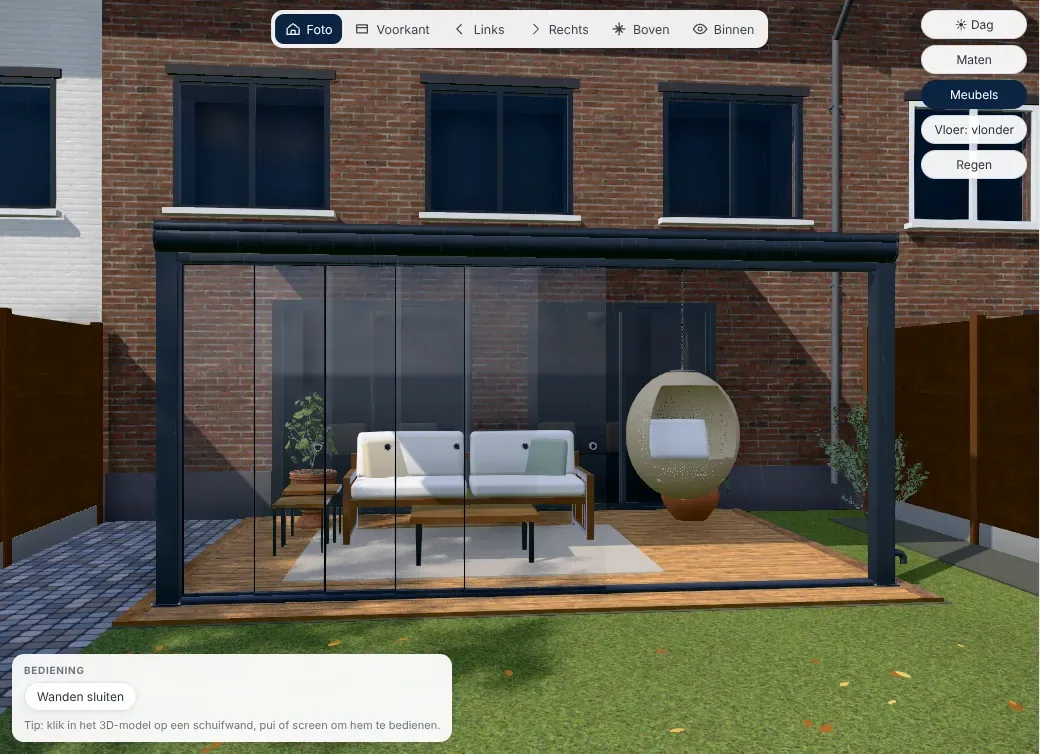
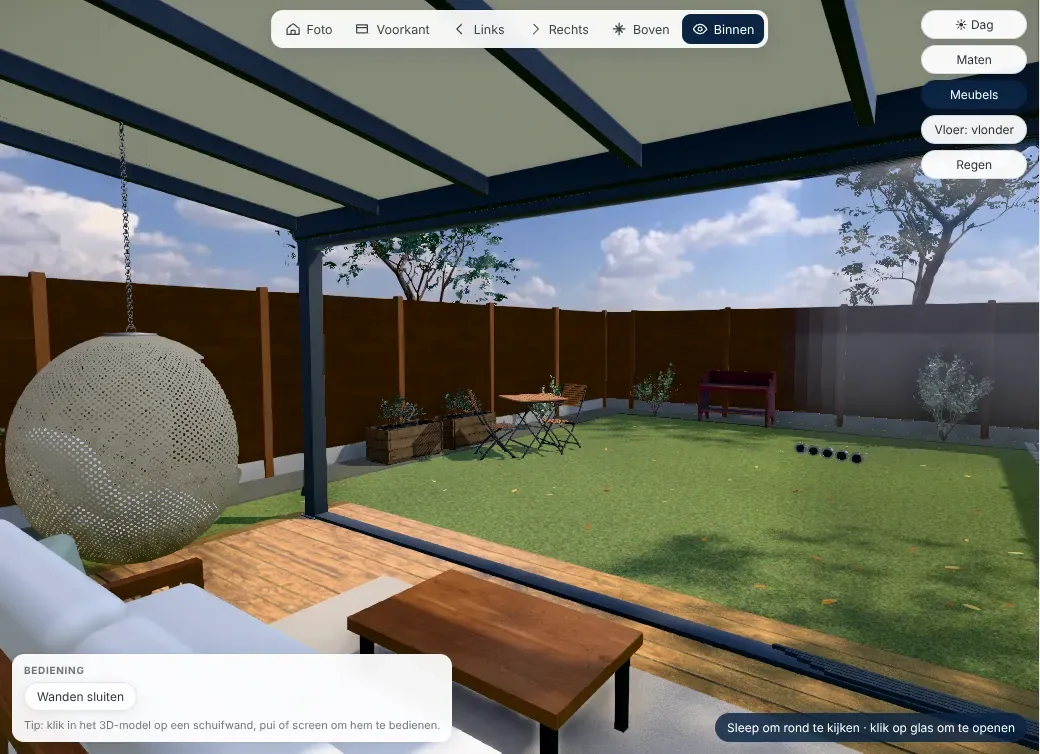
- Every choice a quote line
- Shareable by link
- On any phone
Example 2 · Windows and doors
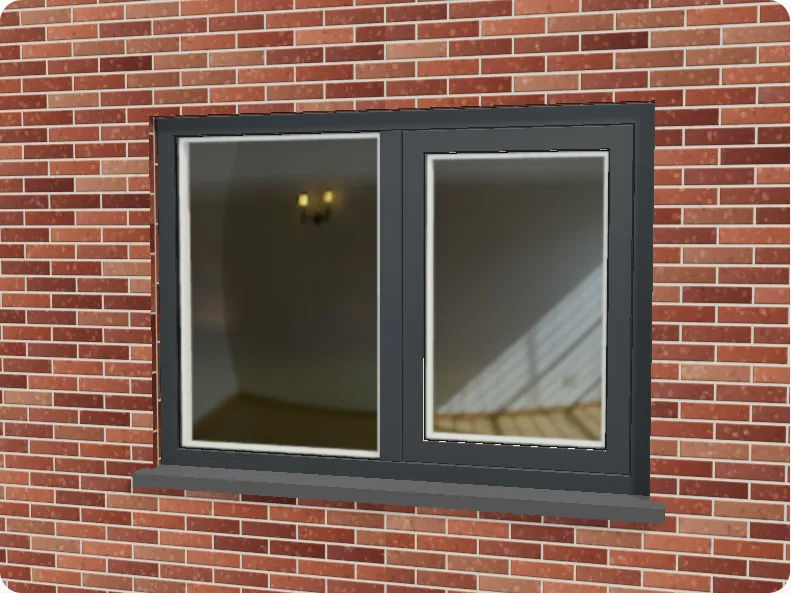
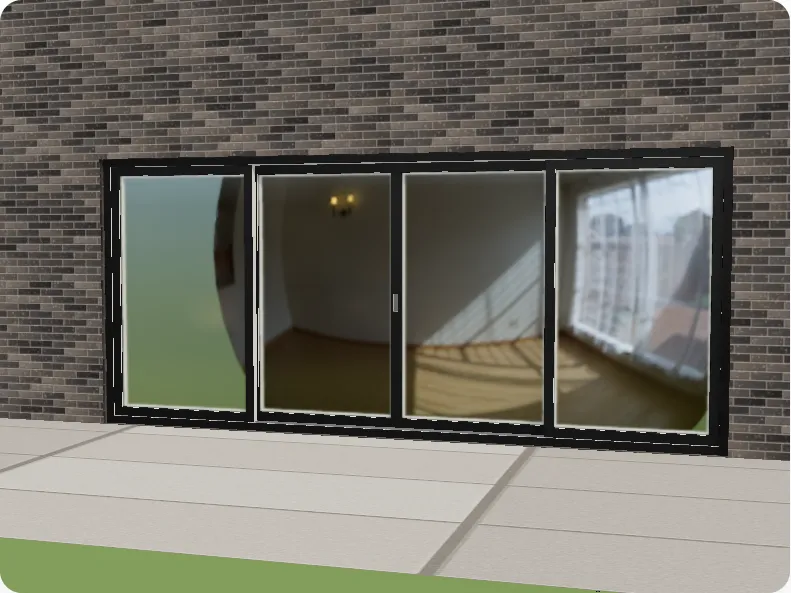
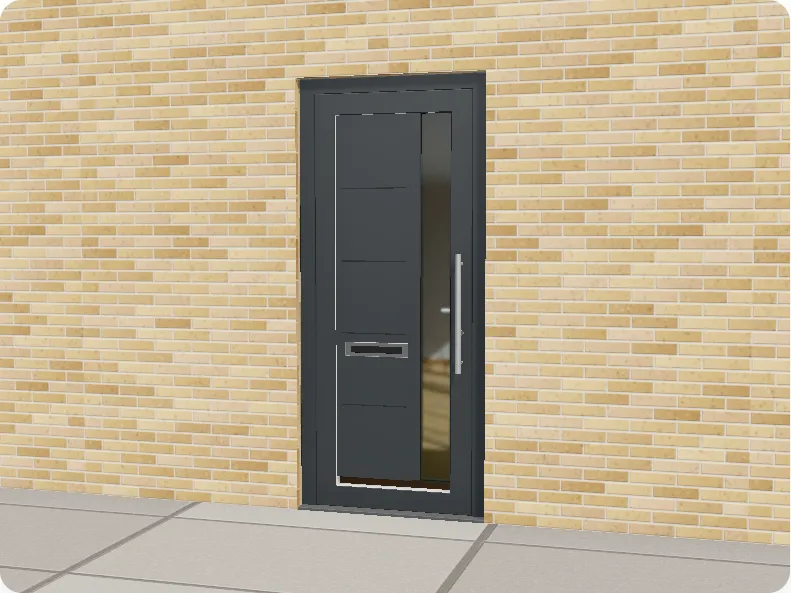
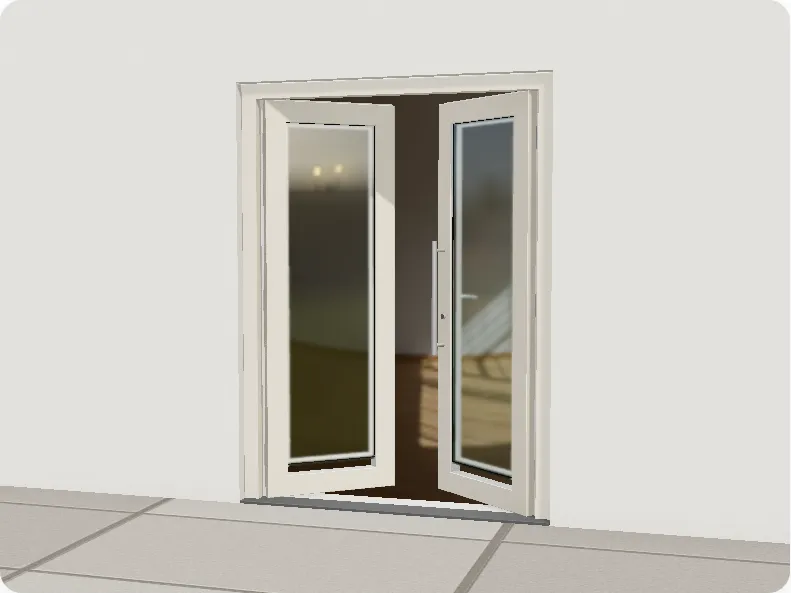
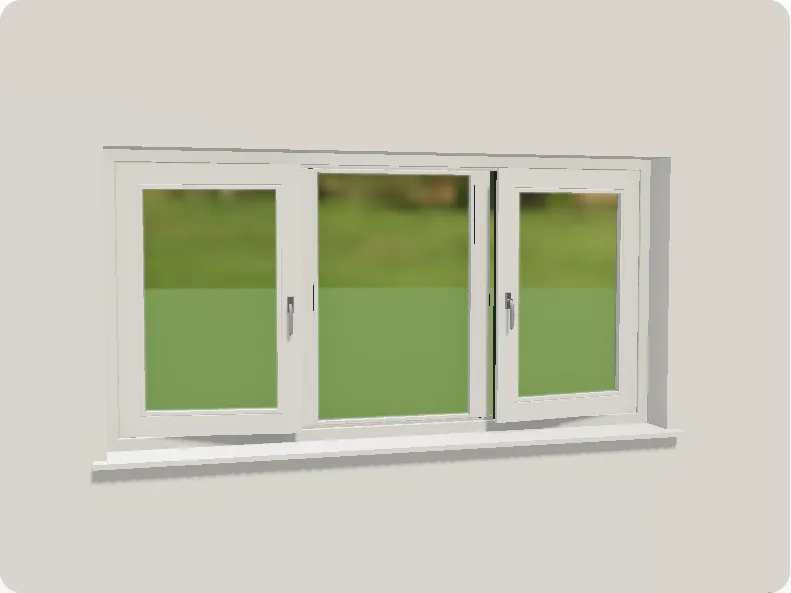
Windows you see from outside and inside.
PVC or aluminium, any profile, any RAL colour. Your customer chooses the opening direction, glass and hardware, places the window in their own facade and opens it with one click. Live with a window company.
More examples
Any made-to-measure product, live in 3D.
Click the colours and options and drag to rotate. Each example is a real 3D model that changes instantly.
Before and after
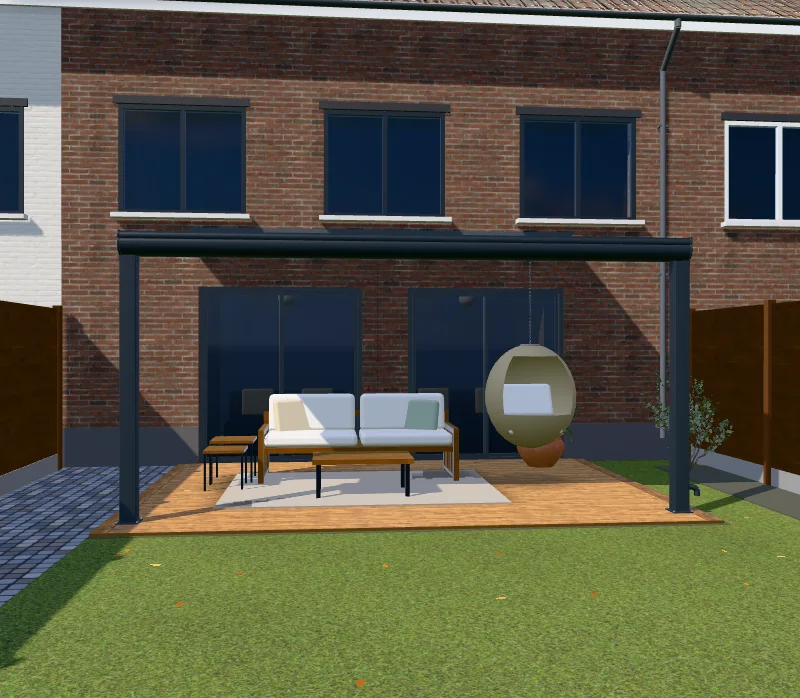
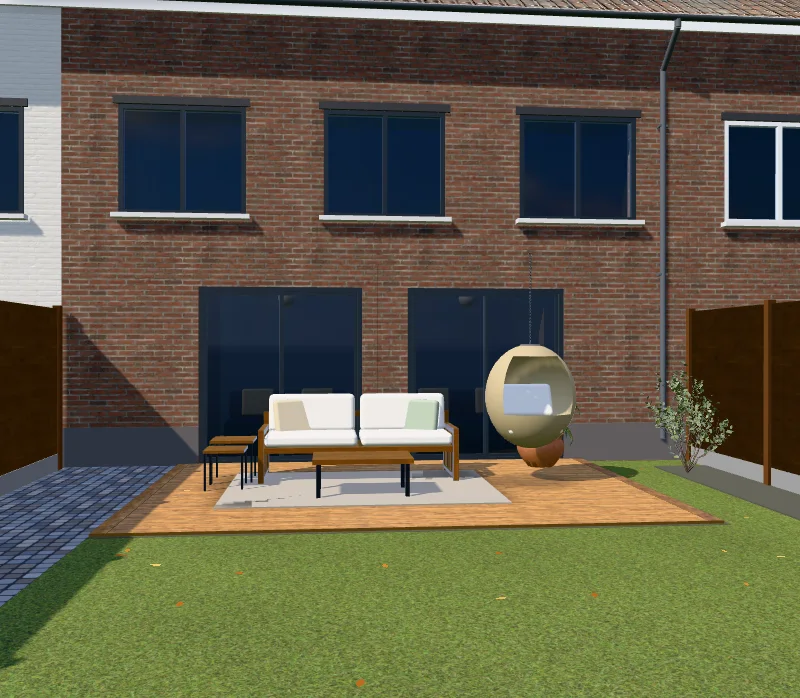
In your customer’s garden.
A bare back garden, and the same garden with the patio cover. Drag and see what it does for the house.
What your customer can do
What your customer can do in 3D.
Six camera views
Photo, front, left, right, top and inside. Or drag freely.
Day, evening and rain
Lights on in the evening, raindrops and water running down.
Visible drainage
Follow the water through gutter and corner post and choose where the outlet goes.
Operate the walls
Glass sliding walls and doors open and closed, right in the model.
Four models, eight steps
Model, size, colour, roof, walls, sun protection, lighting and quote.
Every choice a quote line
All choices become lines in the request, with an indicative price.
2D or 3D?
Both in Premium.
2D gives the fastest, nicest photo. 3D lets your customer look around. In Premium you offer both and your customer chooses.
We keep improving the 3D configurator; the demo shows the current version.
Curious how it looks on your site?
Book a 20-minute demo. We show the configurator in your brand.